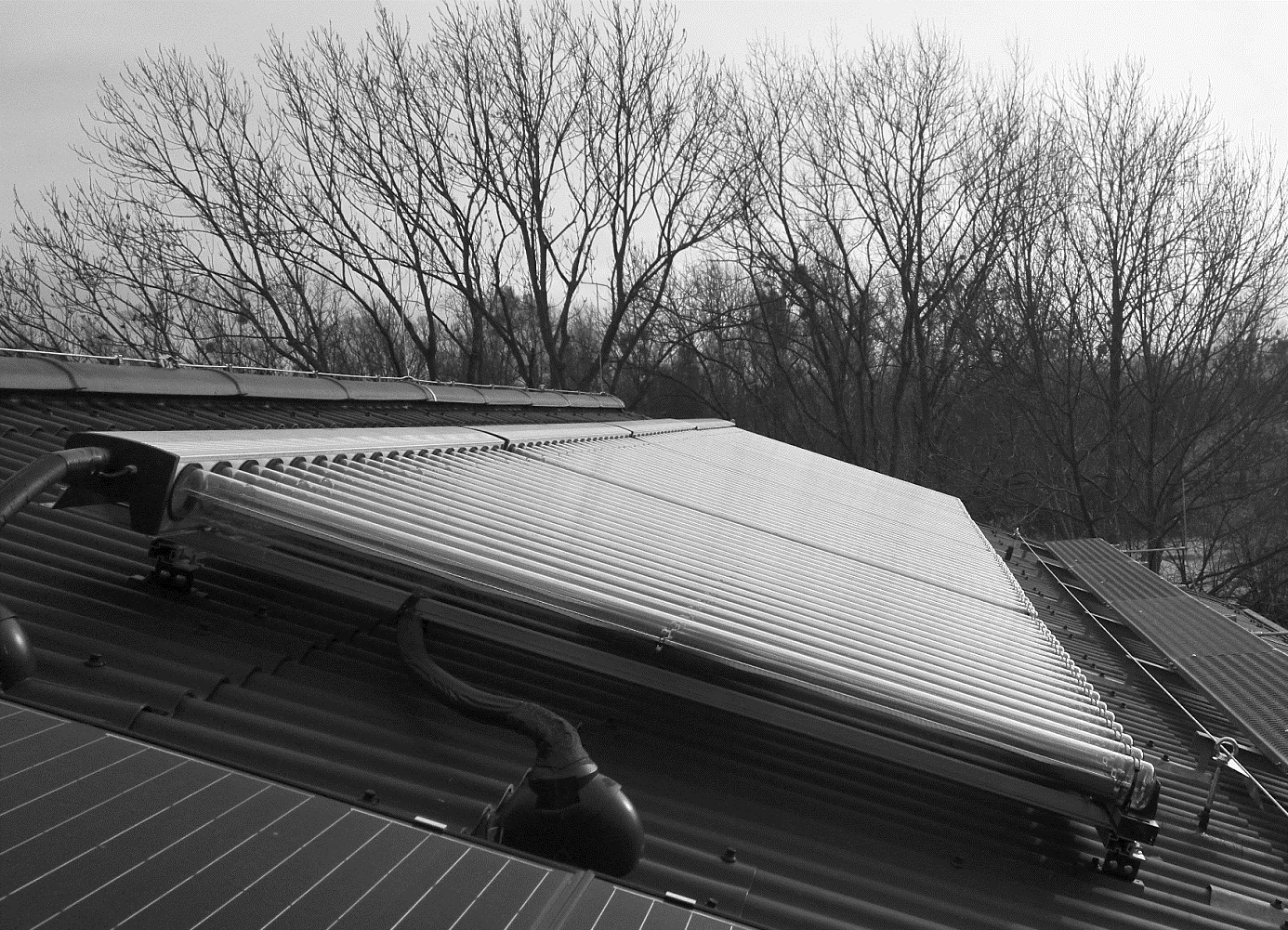
Messtechnische Analyse des innovativen und solarunterstützten, Heizkonzeptes des Bootshauses der UniversitätKassel.
Thesis zur Erlangung des akademischen Grades Master of Science
im Studiengang Regenerative Energietechnik und Energieezienz
am Fachgebiet Solar- und Anlagentechnik der Universität Kassel
| vorgelegt von: | Lasar Kolja Säger | |
|---|---|---|
| Erstgutachter: | Prof. Dr. Klaus Vajen | |
| Zweitgutachterin: | Apl. Prof. Dr. Ulrike Jordan | |
| Fachliche Betreuung: | Yoann Louver M. Sc. | |
| eingereicht: | Universität Kassel, am 19. April 2021 |
Codesnippets:
## Ebene verschieben CSS-like
ax.set_zorder(1)
ax2.set_zorder(1)


## Zeit auf der X Achse formatieren - nicht getestet
ax.xaxis.set_major_locator(mdates.HourLocator(interval=24))   #to get a tick every 15 minutes
ax.xaxis.set_major_formatter(mdates.DateFormatter('%H:%M'))     #optional formatting

## df wird nicht mehr benötigt und klaut nur RAM
%xdel daten


## Übersicht über die im Notebook verwendeten Variablen und Funktionen
whos

## Ausführung stoppen
raise SystemExit("Stop right there!")


#os.chdir(doc_path)
os.getcwd()
print(file_name)

os.chdir("..")
os.getcwd()

## Hilfreich?

## Anzahl der Werte kleiner als 0 .lt(0)
Messdaten.lt(0).sum()
## Anzahl der Werte die NotANumber sind
Messdaten.isna().sum()


from IPython.core.interactiveshell import InteractiveShell
InteractiveShell.ast_node_interactivity = "all"

## PNG als base64 speichern, nicht getestet!
import base64, io, IPython
from PIL import Image as PILImage

def save_image(name):
    plt.tight_layout()
    plt.savefig(name, facecolor='b', edgecolor='b', transparent=False, bbox_inches='tight', pad_inches=0.1)
    #plt.show()

    image = PILImage.open(name)
    output = io.BytesIO()
    image.save(output, format='PNG')
    encoded_string = base64.b64encode(output.getvalue()).decode()
    html = '<img src="data:image/png;base64,{}"/>'.format(encoded_string)
    IPython.display.HTML(html)

save_image('Angepasster_Nutzungsgrad.png')


## Belegten Arbeitsspeicher anzeigen
## https://www.kaggle.com/questions-and-answers/55558
import psutil
process = psutil.Process(os.getpid())
display('Used RAM: '+str(round(process.memory_info().rss/1024/1024/1024,2))+' GB')

## Größe eines DataFrames zeigen:
display('RAM used by df: '+str(round(daten.memory_usage(deep=True).sum()/1024/1024/1024,2))+' GB')

## show all DataFrames
import sys, pprint
sys.displayhook = pprint.pprint
locals()
display([var for var in dir() if isinstance(eval(var), pd.core.frame.DataFrame)])

## print all used variables
print([var for var in dir() if var[0]!='_'])


## show parameter of function
import inspect
inspect.signature(function).__str__()

## get the name of the notebookfile
%%javascript
IPython.notebook.kernel.execute(`notebookName = '${window.document.getElementById("notebook_name").innerHTML}'`);


## show total, used and free RAM
import psutil
RAM=psutil.virtual_memory()
#print(dict(RAM._asdict()))
def hr(num):
    exp_str = [ (0, 'B'), (10, 'KB'),(20, 'MB'),]
    i = 0
    while i+1 < len(exp_str) and num >= (2 ** exp_str[i+1][0]):
        i += 1
        rounded_val = round(float(num) / 2 ** exp_str[i][0], 2)
    return '%s %s' % (int(rounded_val), exp_str[i][1])
print('RAM total: '+str(hr(RAM.total)),'\nRAM used: '+str(hr(RAM.used)),'\nRAM free: '+str(hr(RAM.free)))


## show list of vars with size and type
import sys
def sizeof_fmt(num, suffix='B '):
    ''' by Fred Cirera,  https://stackoverflow.com/a/1094933/1870254, modified'''
    for unit in ['','Ki','Mi','Gi','Ti','Pi','Ei','Zi']:
        if abs(num) < 1024.0:
            return "%3.1f %s%s" % (num, unit, suffix)
        num /= 1024.0
    return "%.1f %s%s" % (num, 'Yi', suffix)

def show_vars():
    ipython_vars = ['In', 'Out', 'exit', 'quit', 'get_ipython', 'ipython_vars']
    for name, size, var_type in sorted(((name, sys.getsizeof(value), str(type(value)).replace("<class \'", " Type: ").replace("'>", "") ) for name, value in globals().items() if not name.startswith('_') and name not in sys.modules and name not in ipython_vars),key= lambda x: -x[1]):
        print("{:>30}: {:>8} {}".format(name, sizeof_fmt(size), var_type))
show_vars()

Unsortiert:

% https://medium.com/codait/the-visual-python-debugger-for-jupyter-notebooks-youve-always-wanted-761713babc62

% %load_ext autoreload
% %autoreload 2

% %debug
% Type “n” and hit Enter to run the next line of code (The → arrow shows you the current position). Use “c” to continue until the next breakpoint. “q” quits the debugger and code execution.

##
pd.set_option('precision', 0)
pd.set_option('display.float_format', lambda x: '%.0f' % x)
pd.reset_option('display.precision')
np.finfo(np.float32).precision